There are several reports at the global level and the protocol level for monitor visit activities and data. This article discusses those reports and potential user cases.
Global Monitor Reports
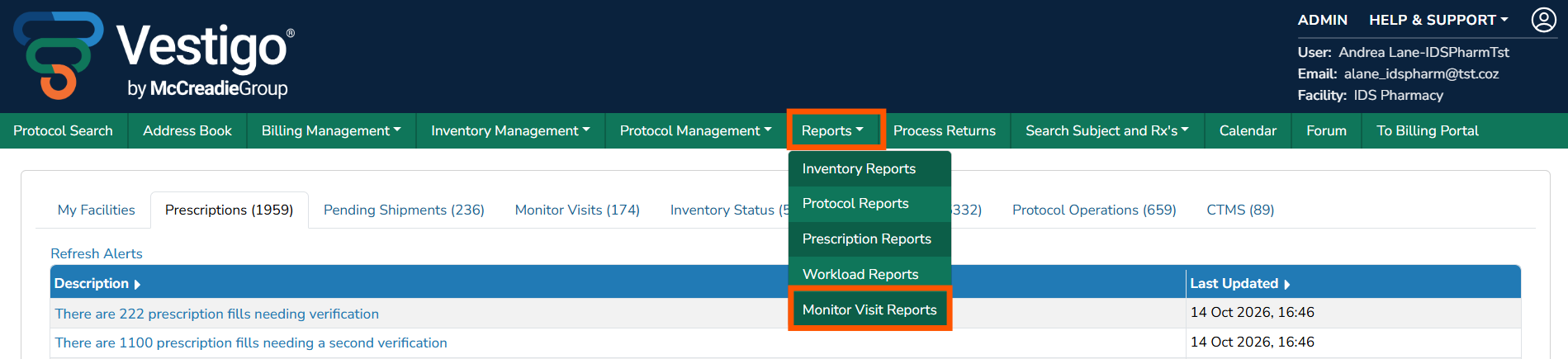
Global monitor reports can be found within the Reports tab in the green global banner.

Monitor Site Requests
This report allows users to generate an excel report against ALL facilities or a single facility, as well as a date range that defaults to previous year. This report will display Monitor Site Requests created by the monitor through Vestigo Verify.

Site requests available to monitors are:
- No Longer on the Protocol
- Request Availability
- Question
If a monitor initiates one of these requests from Vestigo Verify, it will create a cooresponding alert within the Monitor Visits alert tab, and also populate on this report. The report will list details about the site requests, including but not limited to the request type, relavent protocol information, response and responder.

Monitor Visit Notes
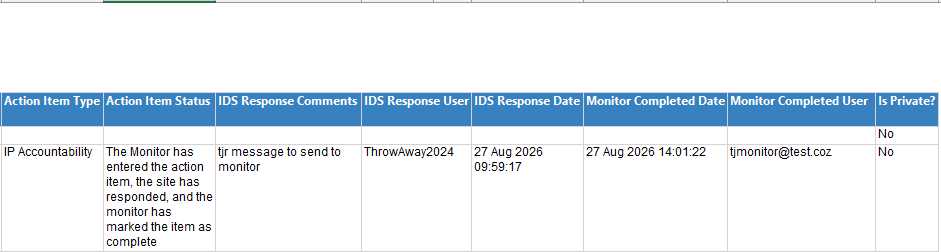
This report allows users to generate an excel report against ALL facilities or a single facility. The report includes a date range filter, and whether or not the note was checked to be private. Private notes are IDS entered Visit notes during monitor close out review. When entering an IDS Visit Note, Vestigo users can choose to mark it as private. The report also includes reviewer type and action item status filters.
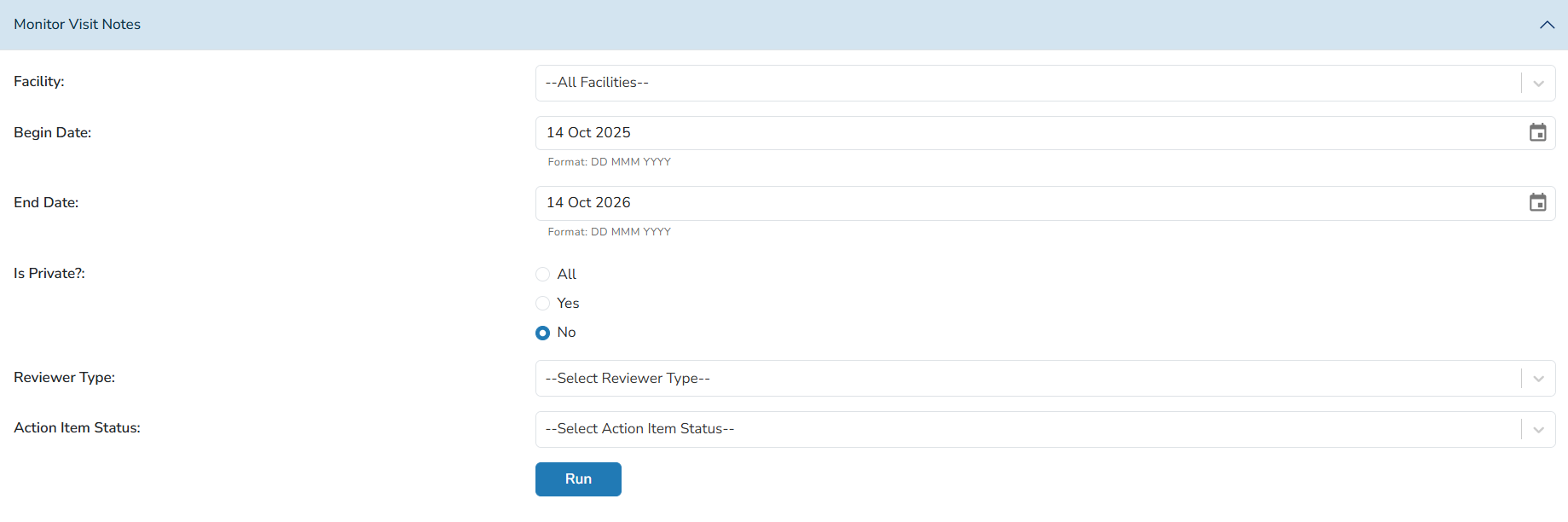
The report will display any Visit Notes captures based on the search criteria. Some of the data captures on the report includes relevant protocol information, the contents of the note, monitor information, relevant action item information and many more fields.

Protocol Level Monitor Reports
Protocol level reports can be found in three places within the protocol:
- Monitor Visits tab
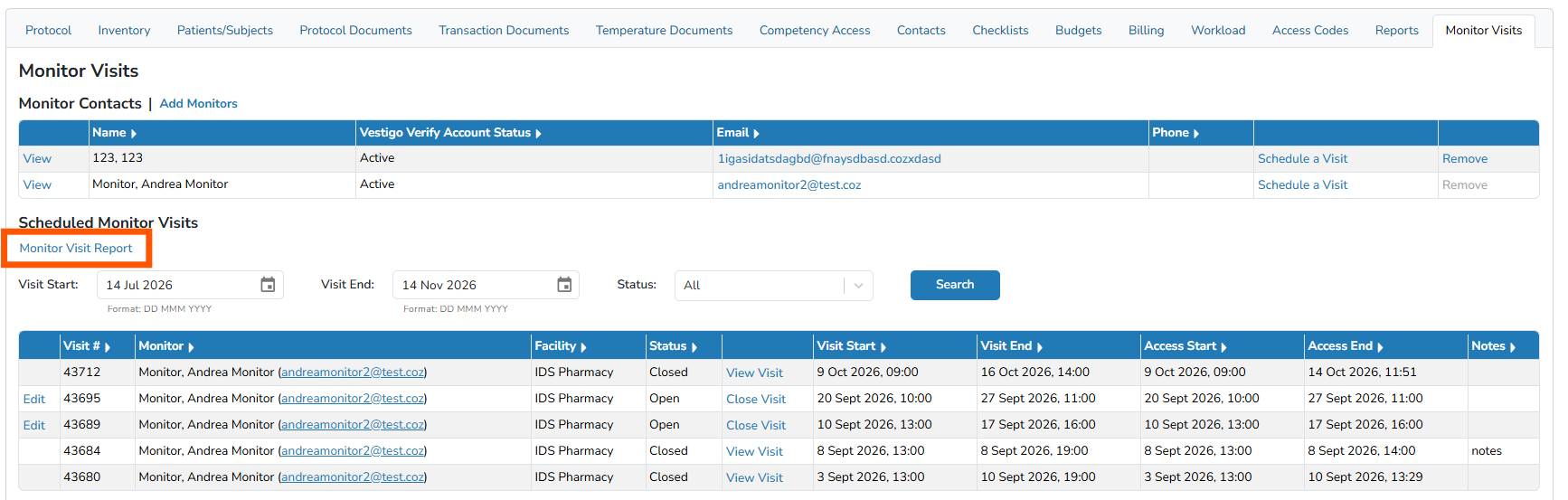
- Reports tab
- Monitor Reports
- Protocol Reports
Monitor Visits Tab
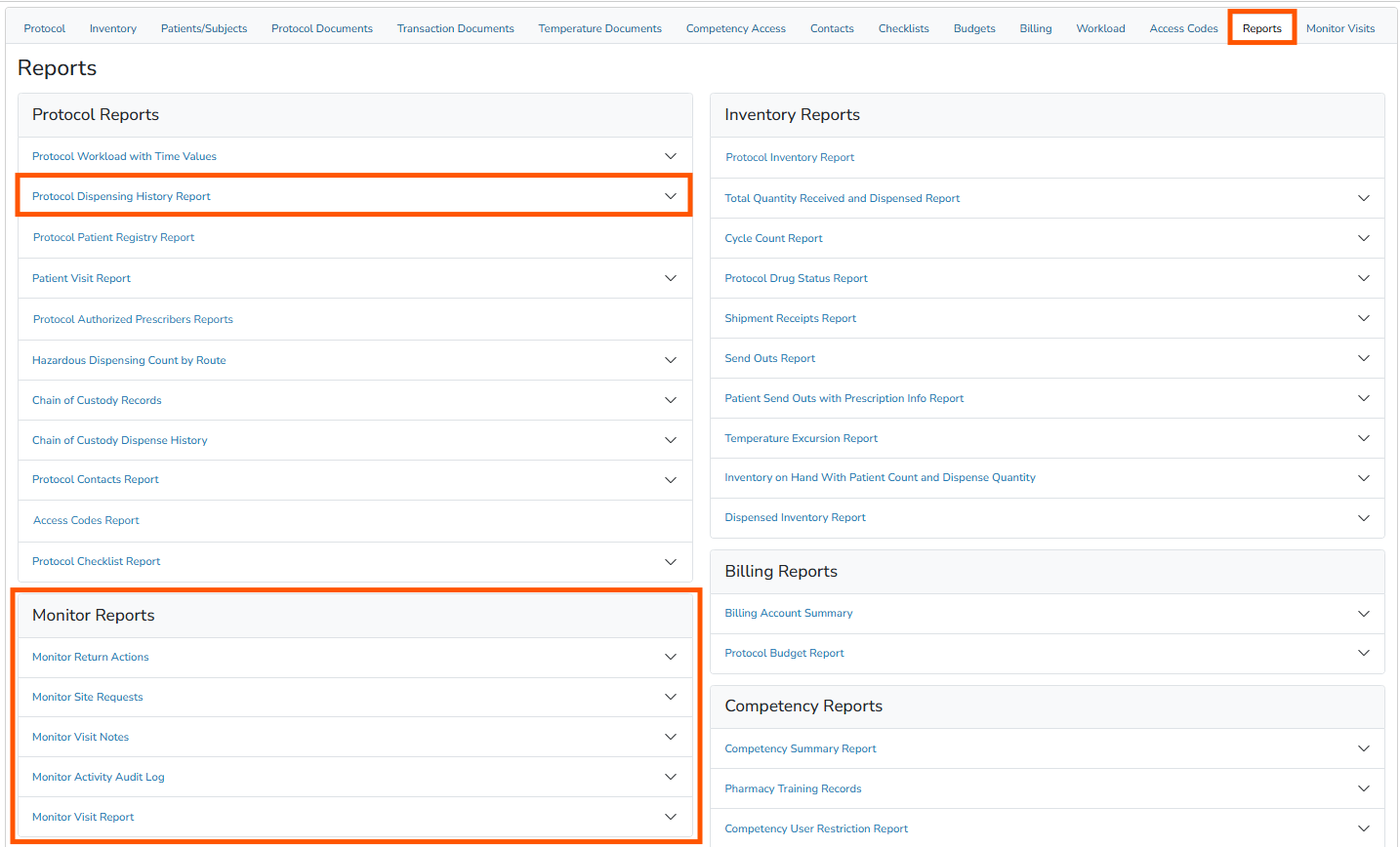
Monitor Visit Report
Within the monitor visits tab, a table displays all monitor visits for that protocol within a given adjustable time range. The time range defaults to the last four months. The Monitor Visit report displays any and all monitor visit information for that protocol.

Reports Tab - Protocol Reports
Protocol Dispensing History Report
This report is also available to monitors through Vestigo Verify. Vestigo users can run the monitor version (with returns) or the excel (dispensings only) version. Date range and facility filters are also available.
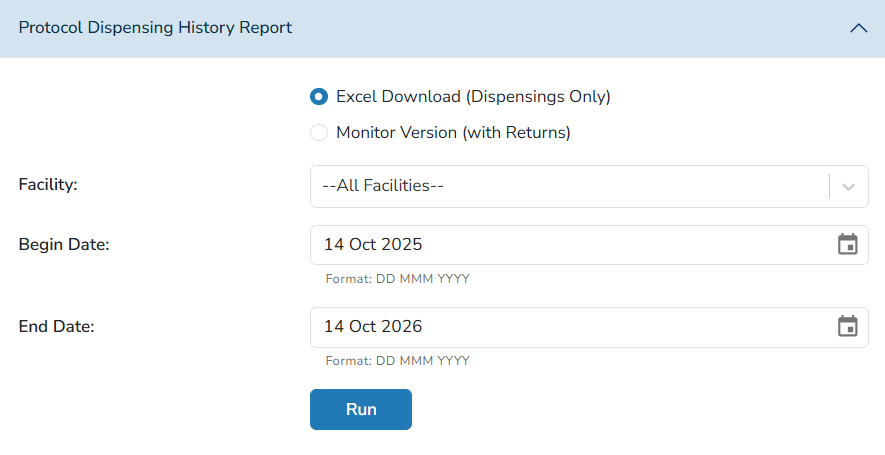
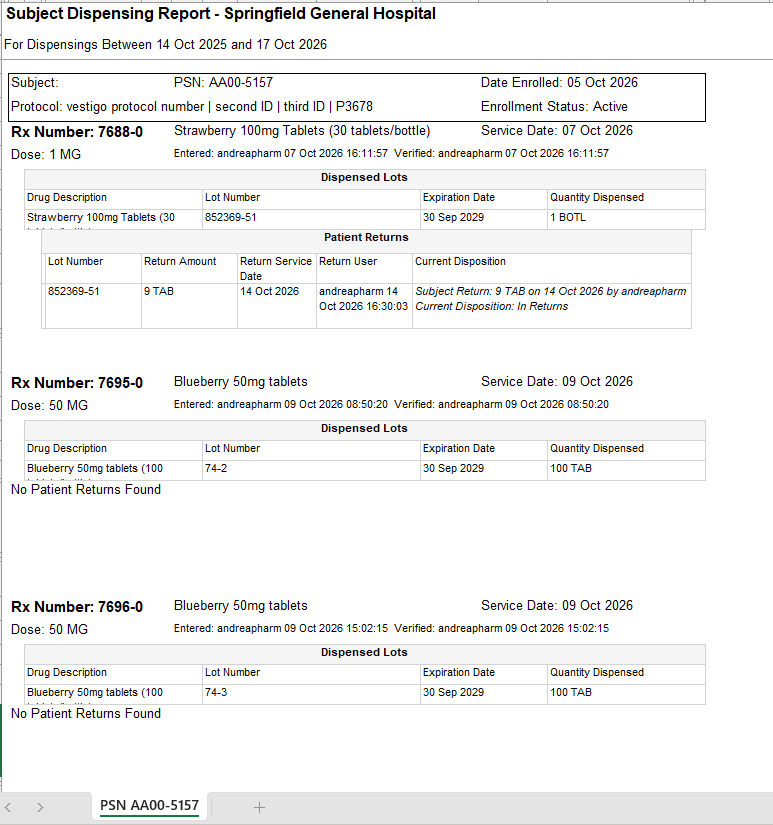
This report, depending on the version selected, will display particiapnts enrolled, prescrption information, and any patient return information logged against the prescription. IF the Monitor Version is selected, there is also an additional subject selection.
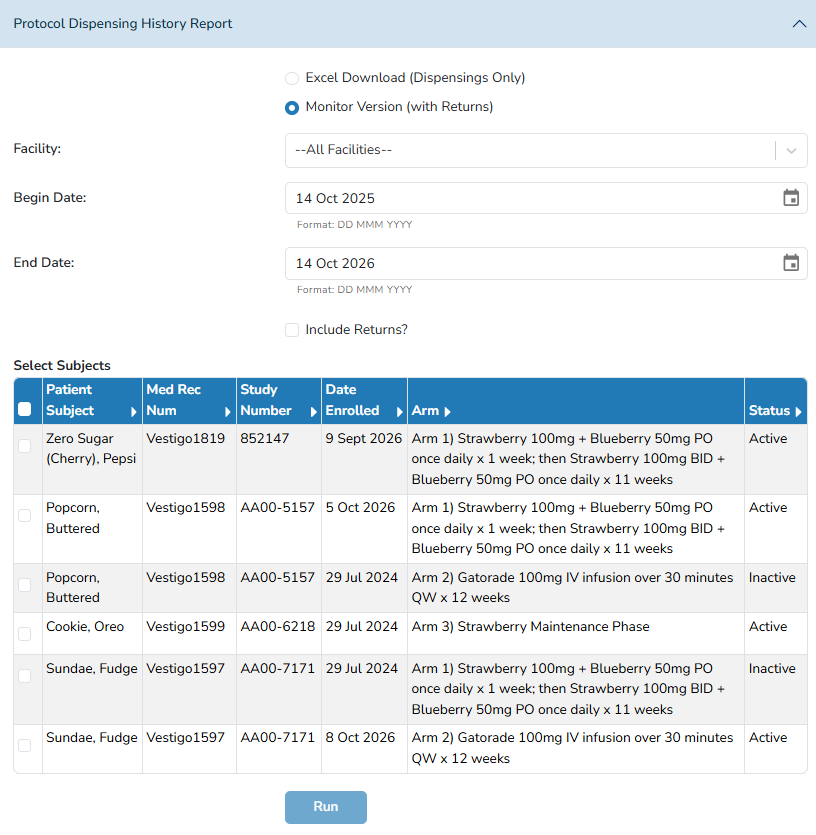
The monitor version is the only report included in this section as it is the same report available to monitors. If a monitor generates it during a monitoring visit, it will only generate as a pdf. The Vestigo version will generate as an excel extract.
Reports Tab - Monitor Reports
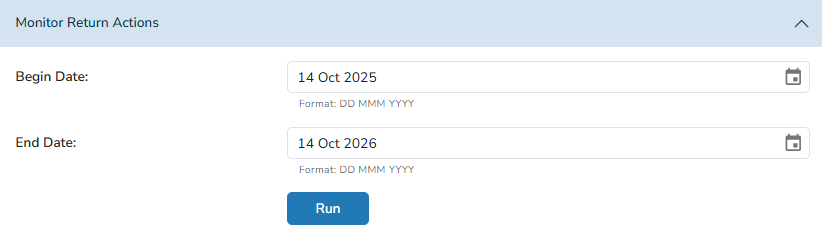
Monitor Return Actions
This report details and return actions a monitor has authorized during a monitor visit. The report offers a date range filter.

Monitor Site Requests
This report details any site requests a monitor has made for this protocol. This is the same report that is available at the global level, but isolates information related to the protocol it was generated in. See this section for more information on this report.
Monitor Visit Notes
This report details visit note information and is the same report available globallym but isolates information related to the protocol it was generated in. See this section for more information on this report.
Monitor Activity Audit Log
This report details the same information that can be seen when reviewing a monitor's activity at monitor visit close out. It includes anything the monitor reviewed or used theor functionality for during their visit. This report offers a date range filter.
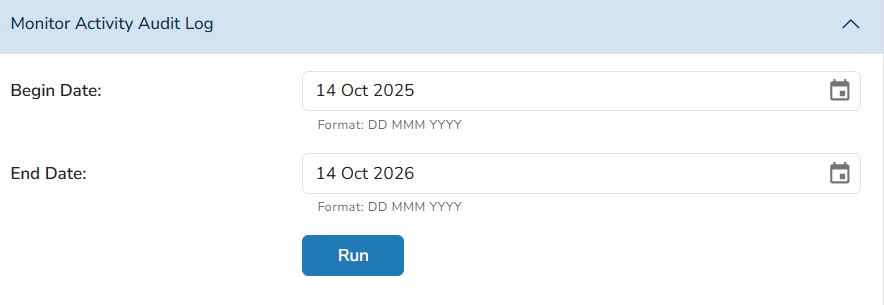

Note - This report may also include protocol specific users that have logged in and reviewed protocol information. If a site is using protocol specific user roles, those users have very similar access and functionality to that of a monitor and review protocol information through Vestigo Verify, rather than Vestigo, which is why they may also show on this report.
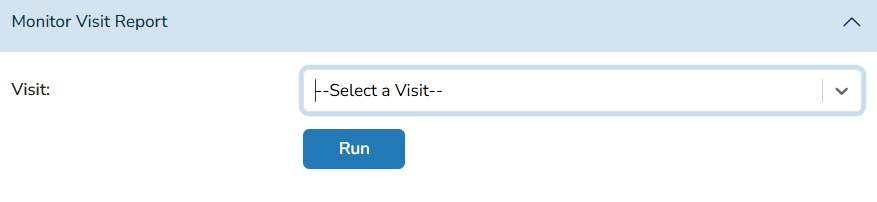
Monitor Visit Report
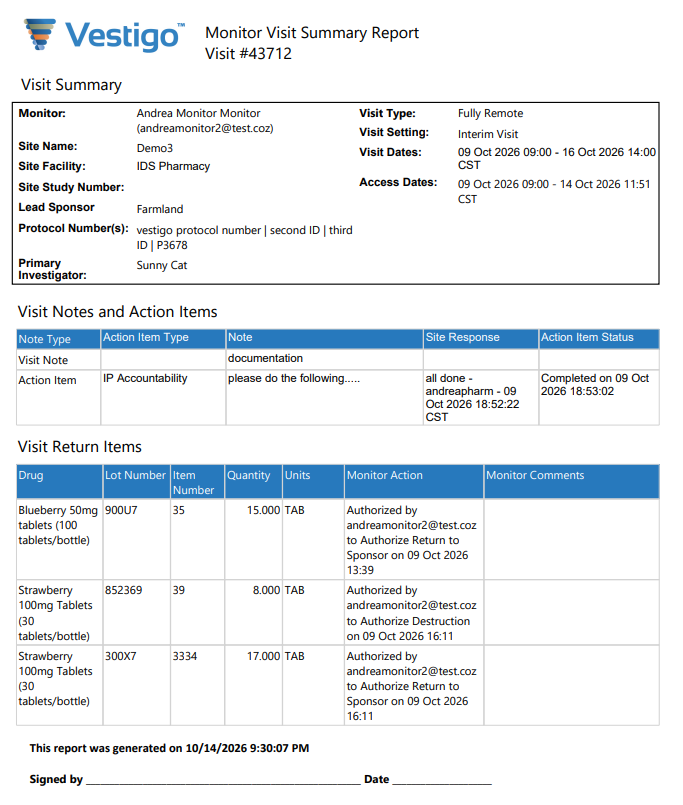
This report displays monitor visit confugration information, and if the monitor created any visit notes or action items. It will also display if the monitor authorized anything to be destroyed or sent back to sponsor. This report requires the user to select a specific monitor visit to generate the report against.This report also contains a signature line. A potential use case for this report is to generate it after the site visit, and send to monitor for signature.