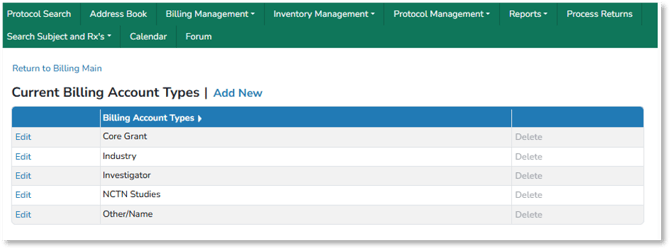
Billing account types can be customized for each client. Users can access account types from the Billing Main page or the Billing Management menu.
Adding Billing Account Types
- Open the Billing Main page or the Billing Management menu
- Select Manage Billing Account Types
- Select Add New to add an account type, or select Edit for an existing account type